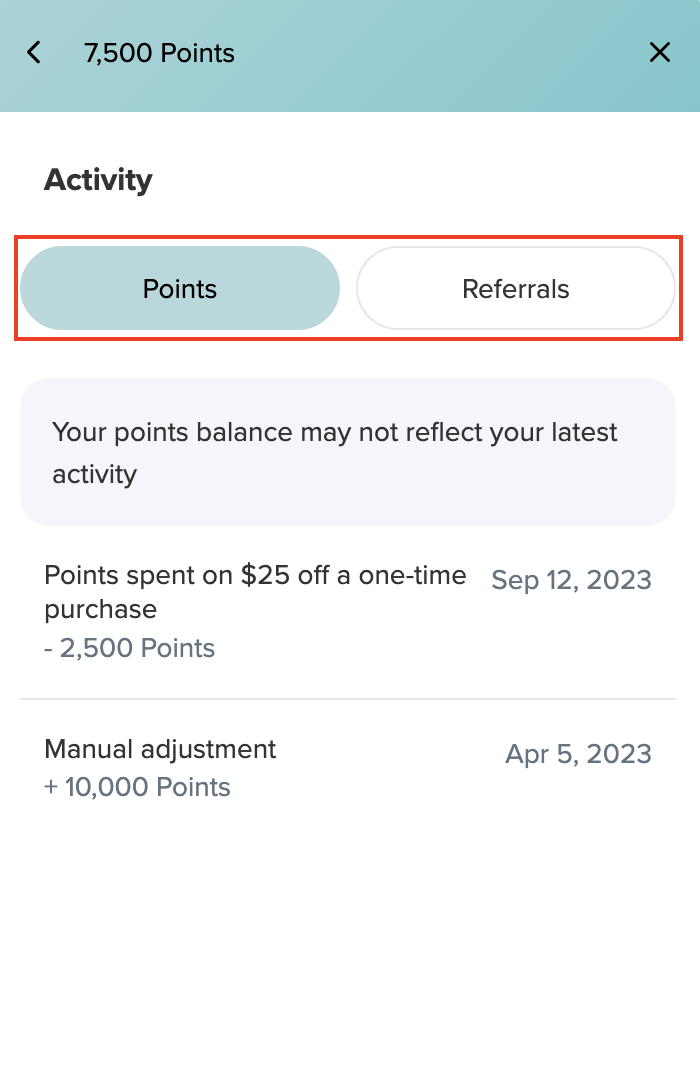
How to view my rewards activity?Updated 8 months ago
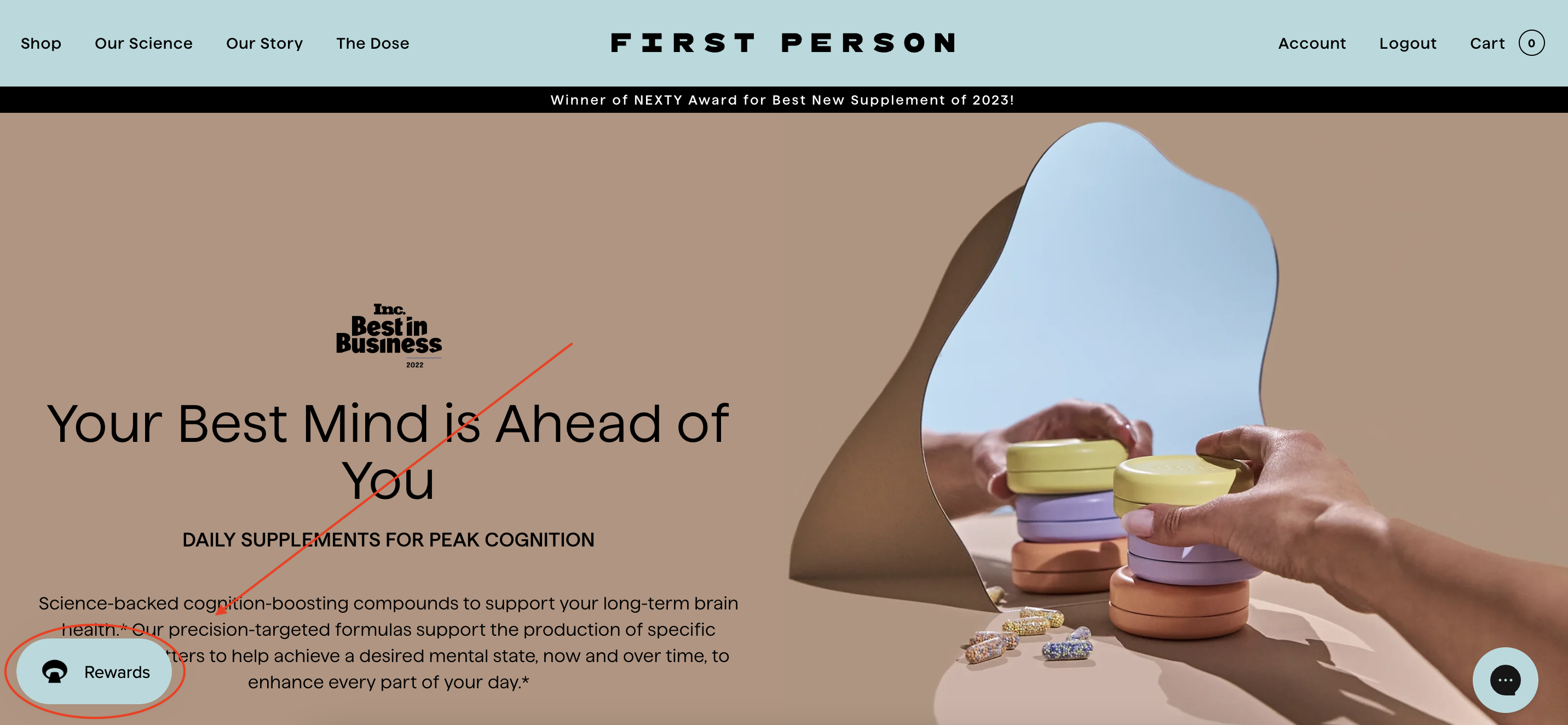
Select the Rewards button in the bottom left hand corner of the screen.
Make sure you are logged into your account. This will be the same login as your First Person account. Don't have an account yet? Click HERE to learn how to sign up. 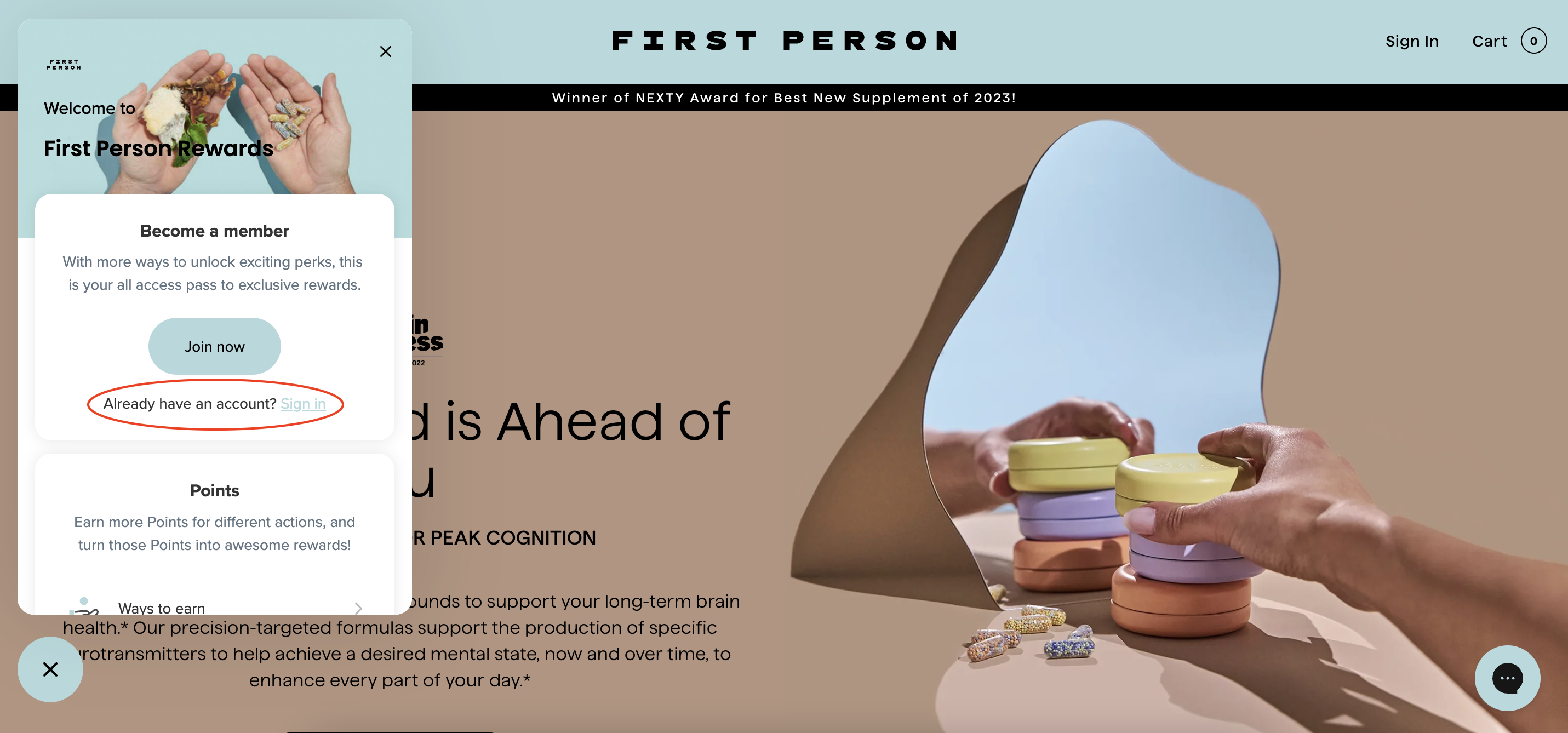
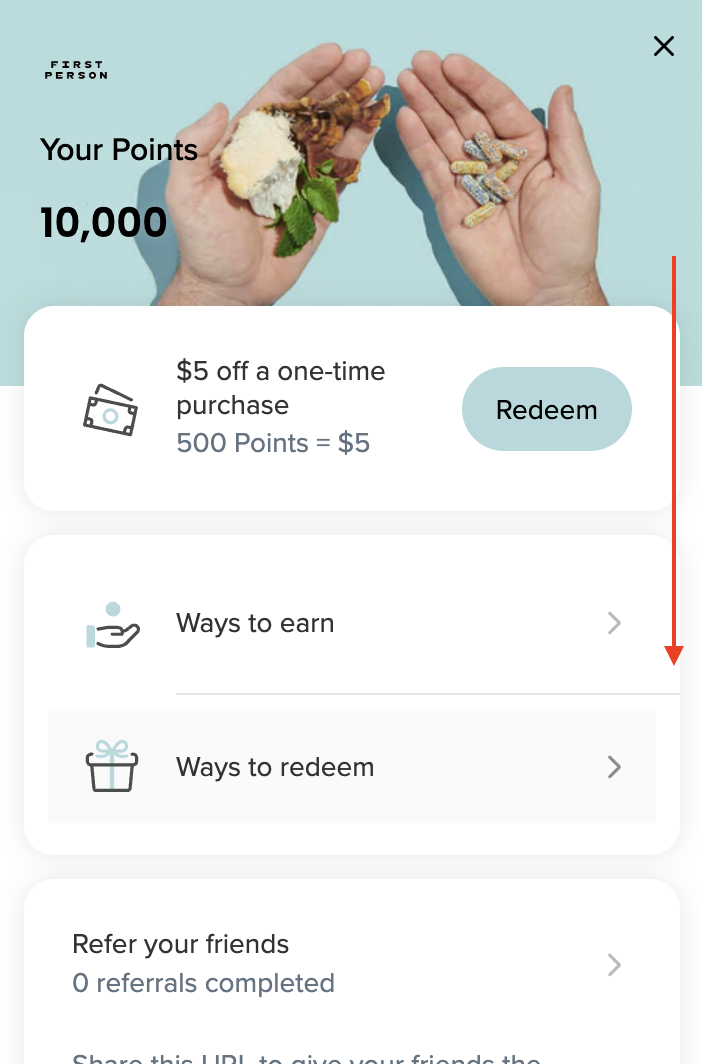
Scroll down and select the section titled "Your activity".
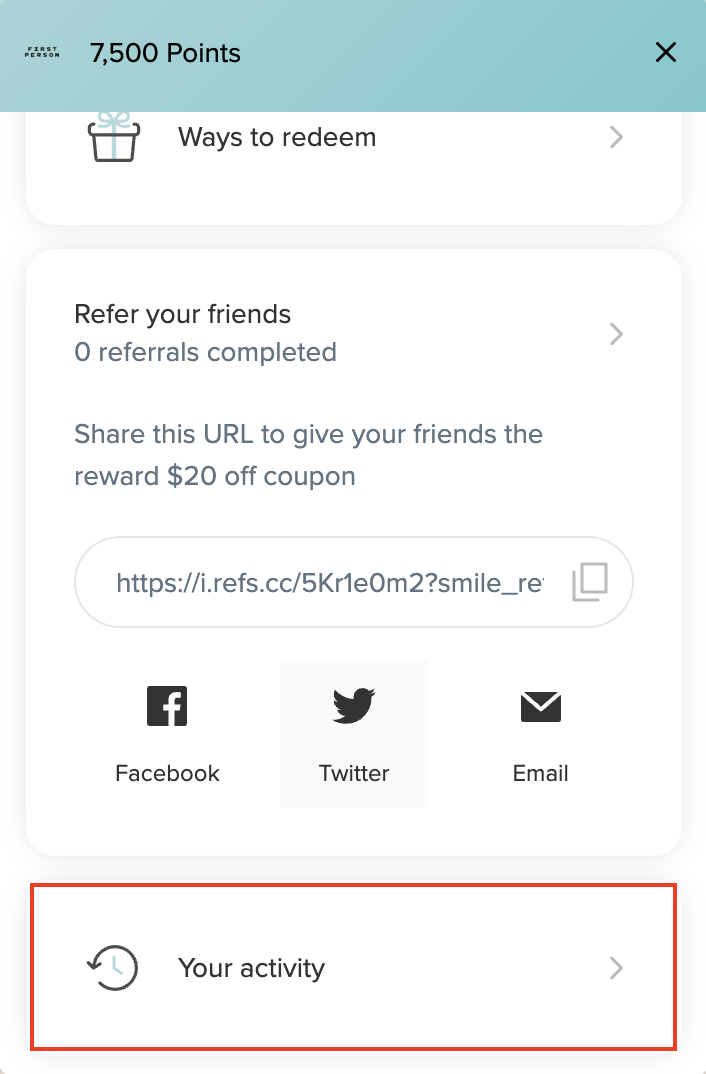 From here you can view all your previous point earnings and redemptions and referrals.